Notch Pocket videos
Real screen recordings of Notch Pocket, the Mac app that turns the MacBook notch into a pocket of everyday tools.

Notch Pocket: a tour of the Mac notch app
Notch Pocket opening from the MacBook notch and switching between its screens: home, to-dos, timers, clipboard history, files, notes, stats and more.
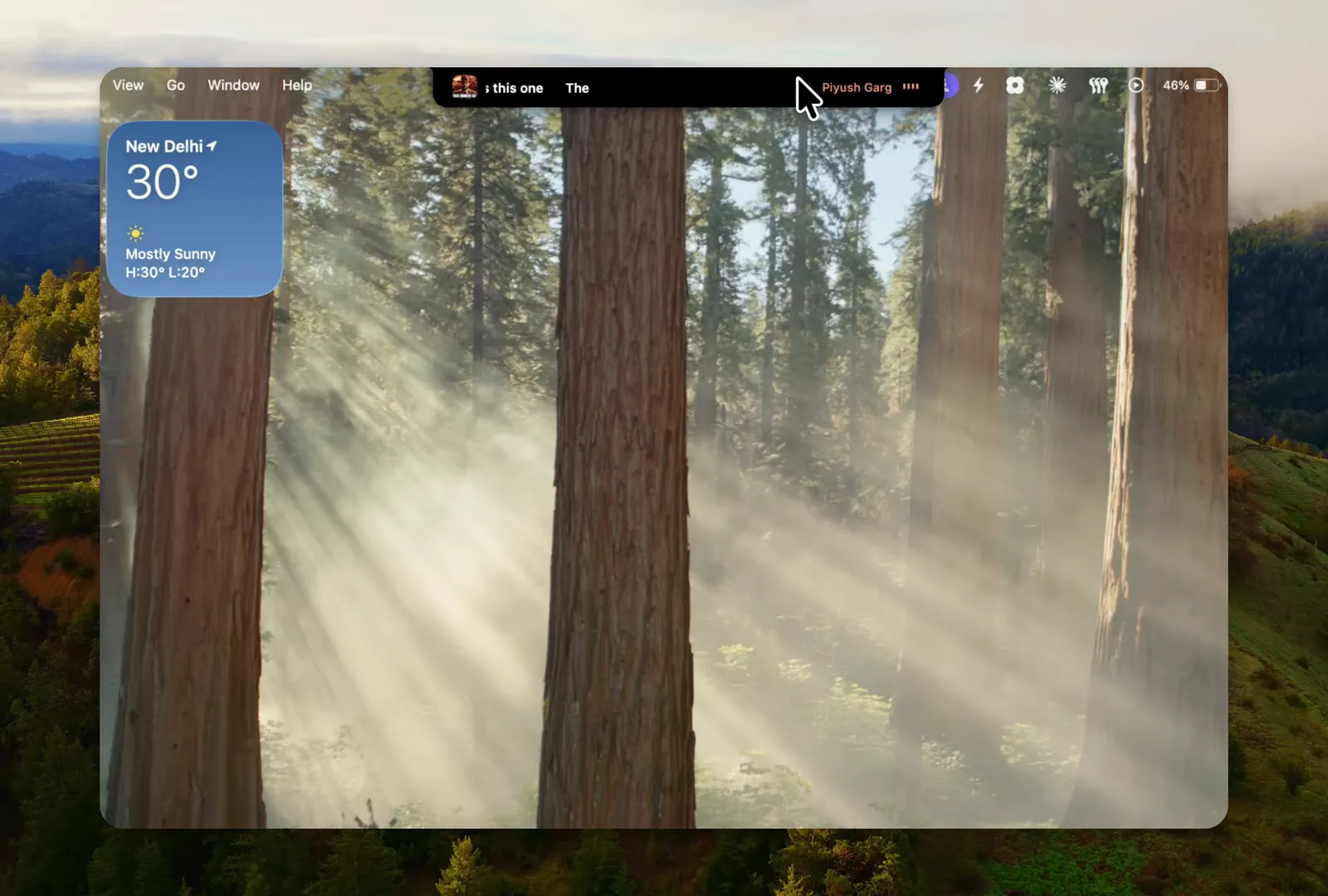
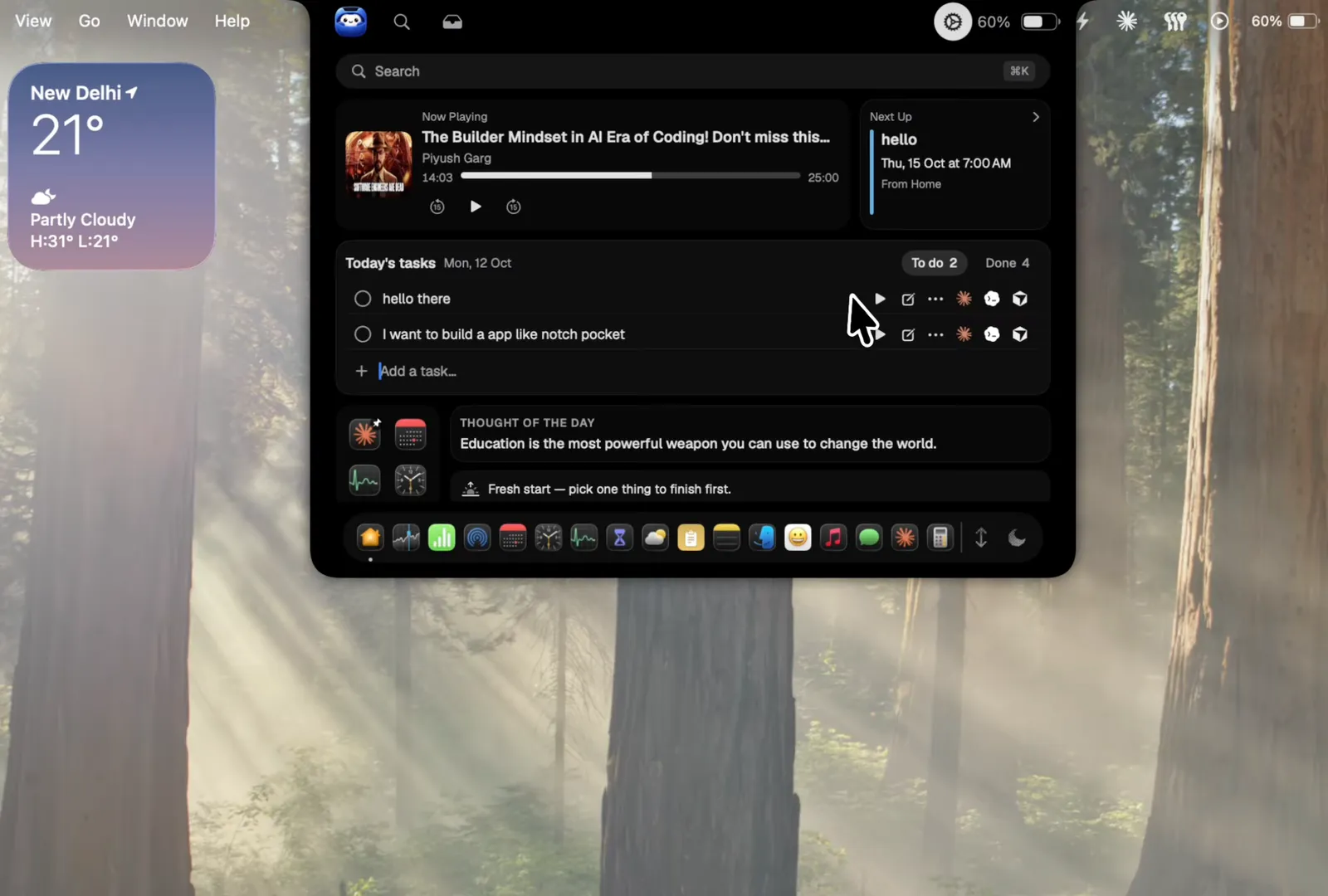
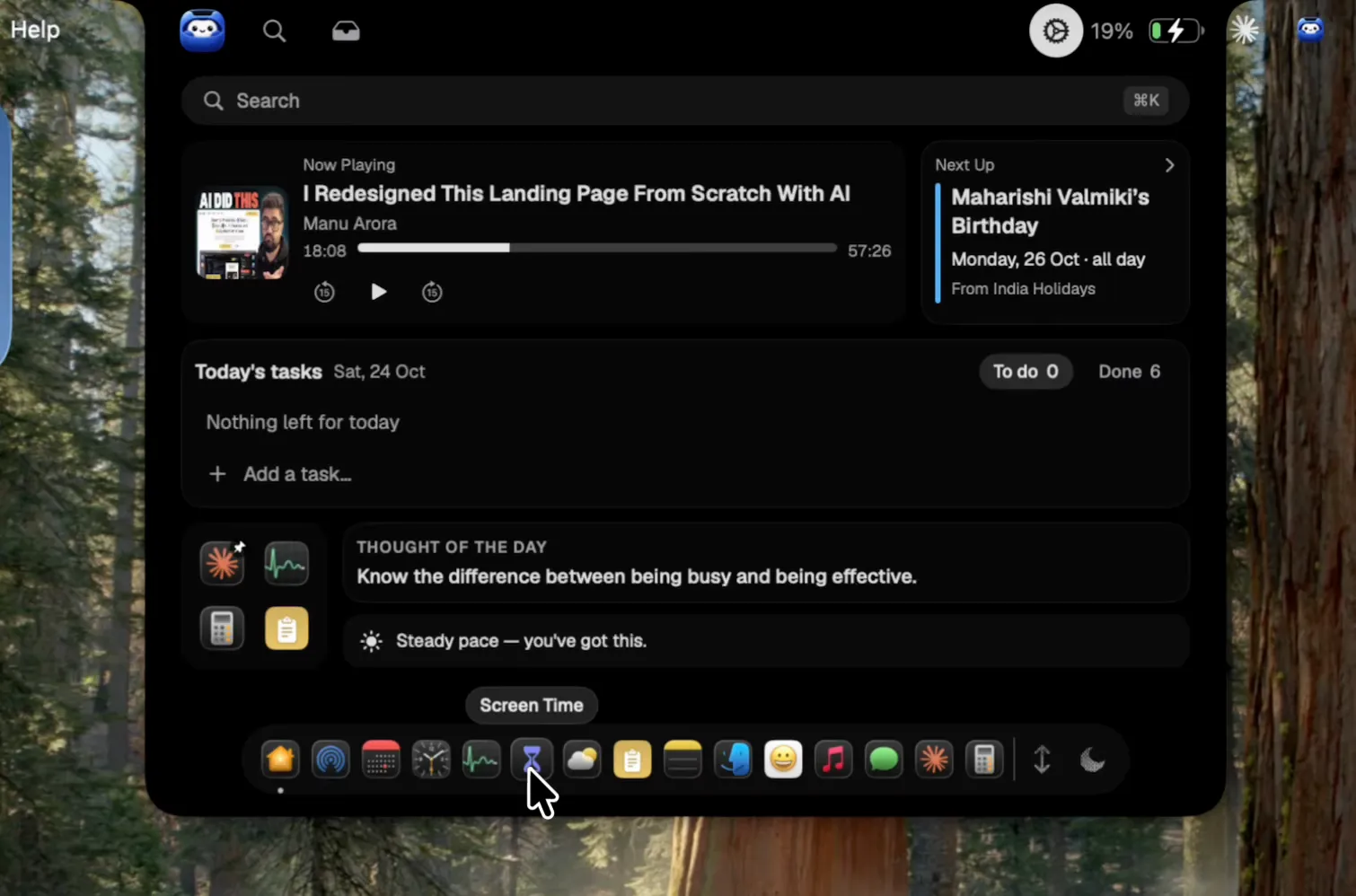
The Notch Pocket home screen in the MacBook notch
Hover over the MacBook notch to see what's playing, what's next on your calendar and today's tasks in Notch Pocket.

Clipboard history in the MacBook notch
Notch Pocket keeps everything you copy on your Mac, text, links, colours with hex codes, images and files, one hover away in the notch.
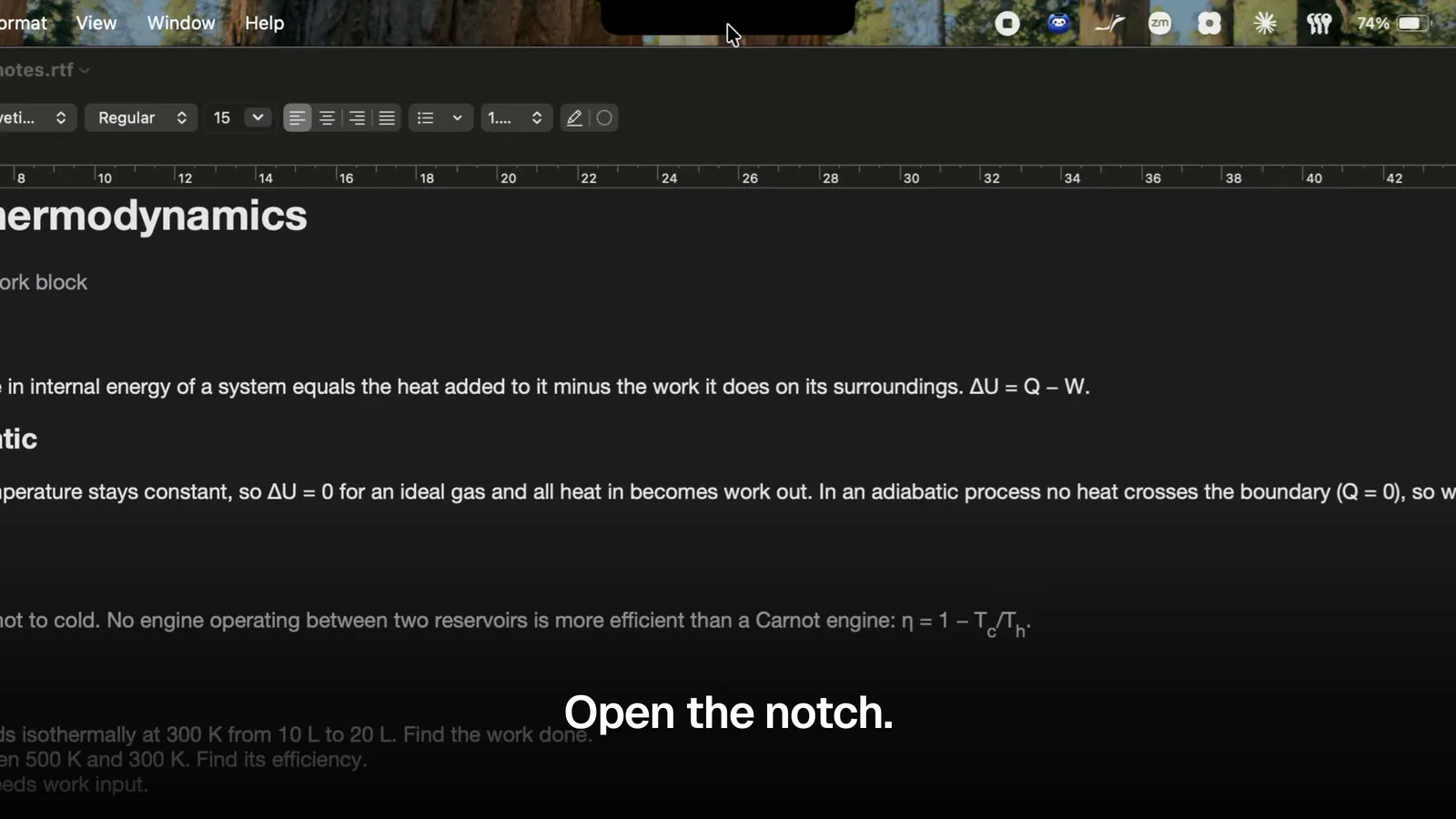
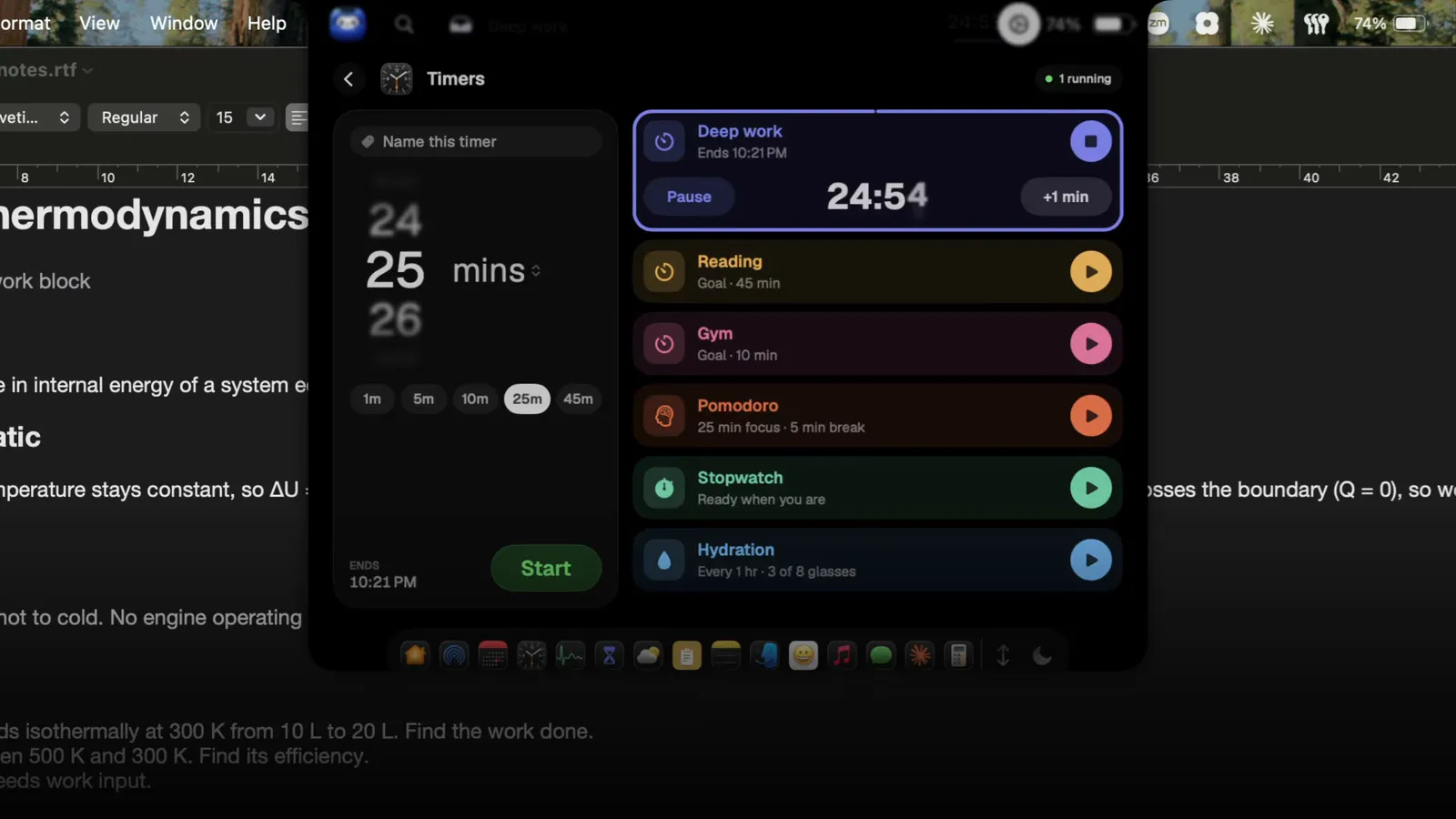
Running several timers in the MacBook notch
Start several timers at once in Notch Pocket. They keep counting beside the notch even after it closes.
A running timer beside the closed MacBook notch
Notch Pocket shows a running timer next to the closed notch, like a Live Activity on the Mac.
Setting a focus timer on a to-do from the MacBook notch
Give any to-do a time limit in Notch Pocket and the countdown appears beside the MacBook notch while you work.
Live CPU, memory and battery stats in the MacBook notch
Notch Pocket's Stats screen shows live CPU, memory, network, disk and battery health from the MacBook notch.
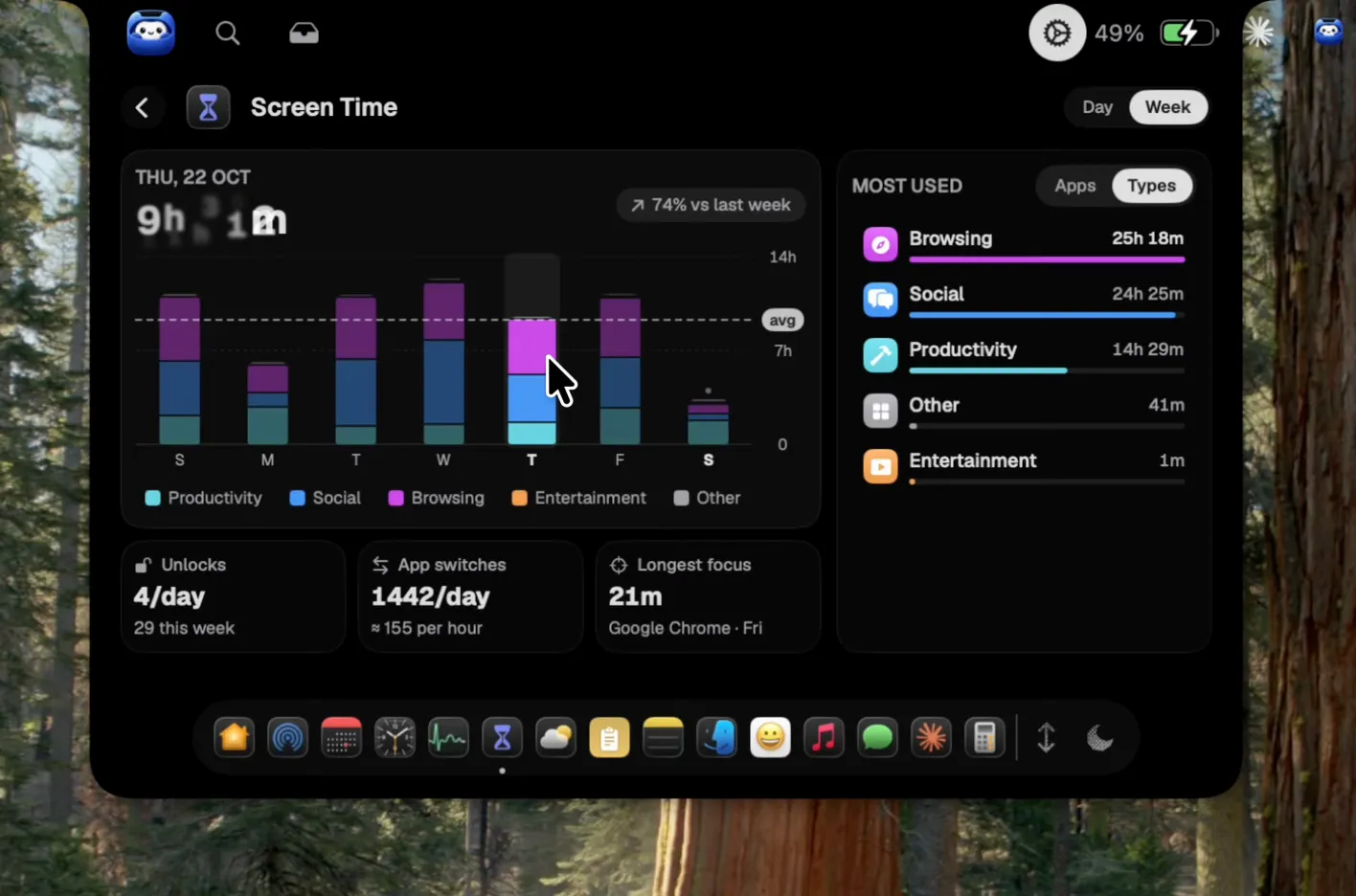
Mac Screen Time in the MacBook notch
See where your day goes by app and by category, switching between day and week views, in Notch Pocket's Screen Time screen.
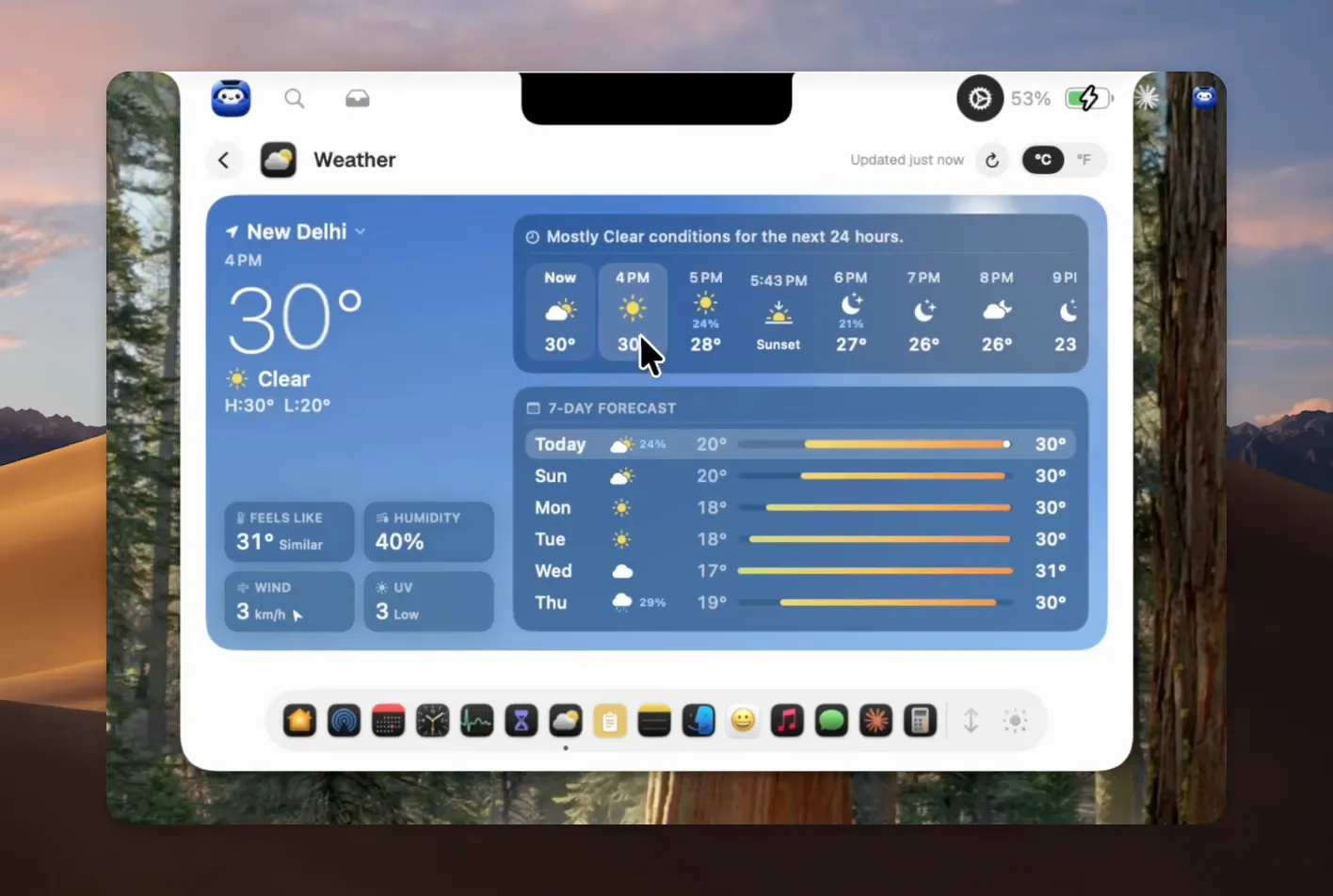
Weather in the MacBook notch
Current conditions, an hourly strip and a 10-day forecast in Notch Pocket's Weather screen, with a sky that changes with the time.
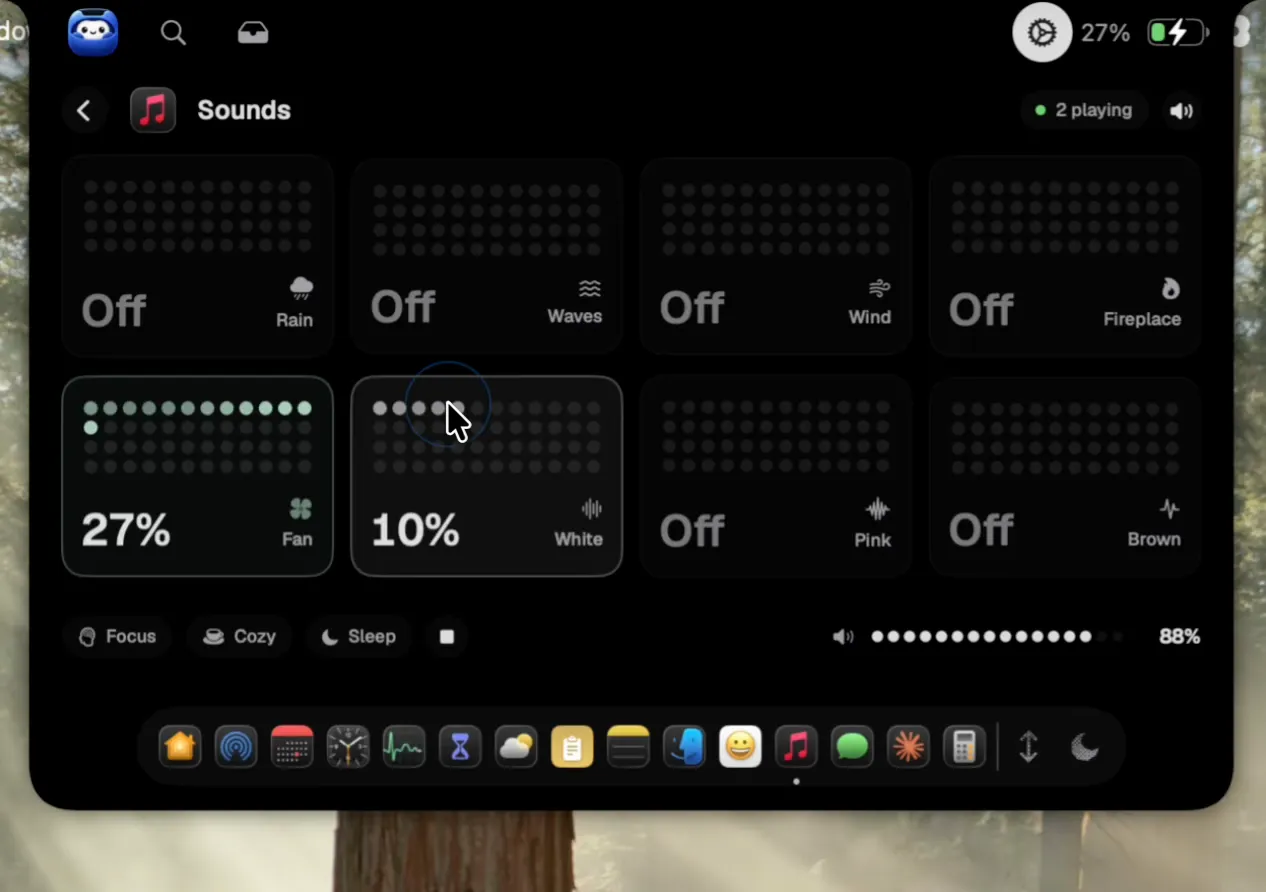
Mixing focus sounds from the MacBook notch
Mix rain, waves, fireplace and noise into your own focus soundscape from Notch Pocket's Sounds screen.
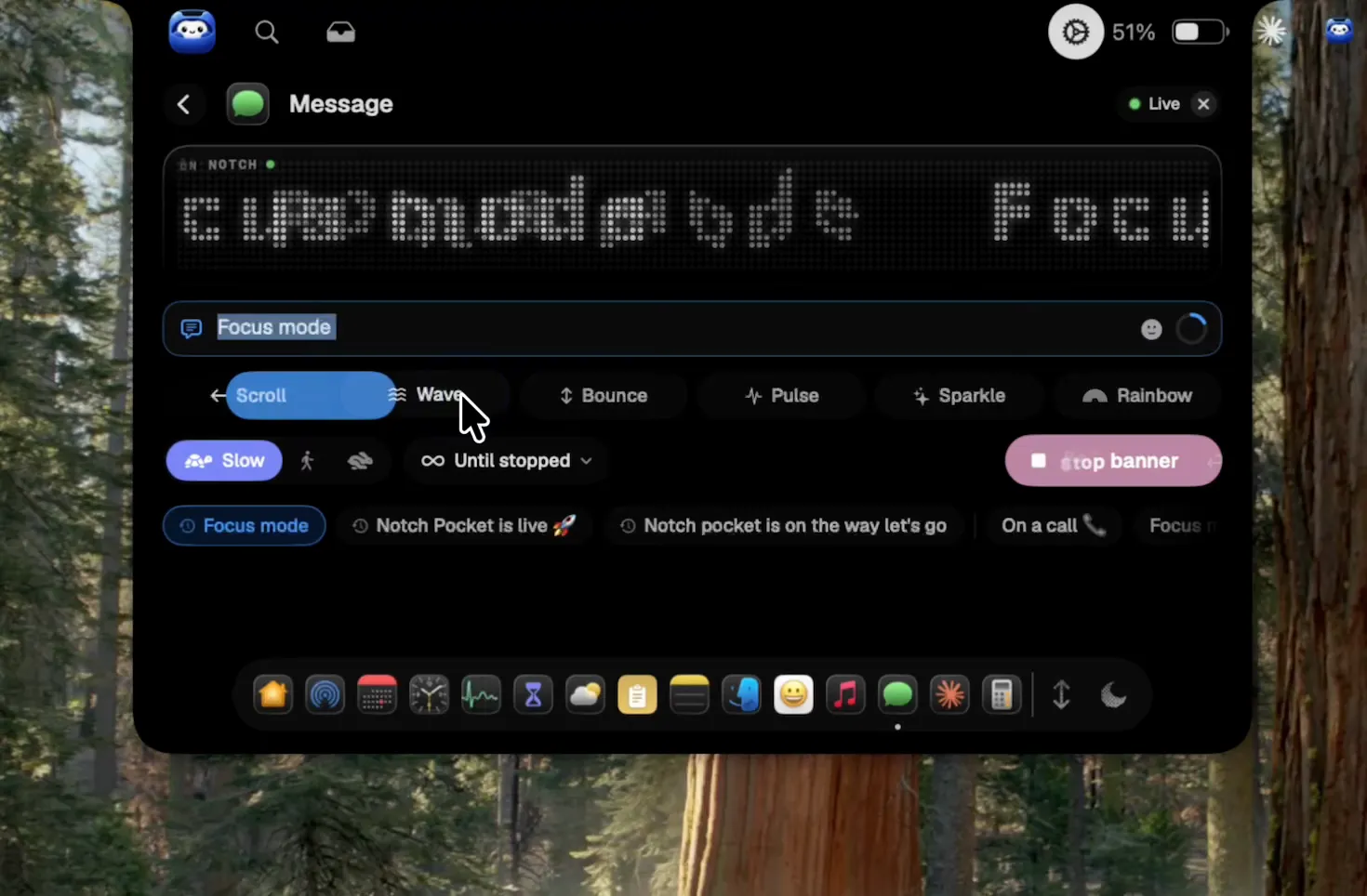
Scrolling an LED message across the MacBook notch
Notch Pocket scrolls an LED status message like “On a call” across the MacBook notch.